Creating an Affiliate Program
Learn how to create and configure a new affiliate program in Toppal.
Written By Toppal Support
Last updated 4 months ago
Creating an Affiliate Program
Affiliate programs define how your marketplace rewards partners.
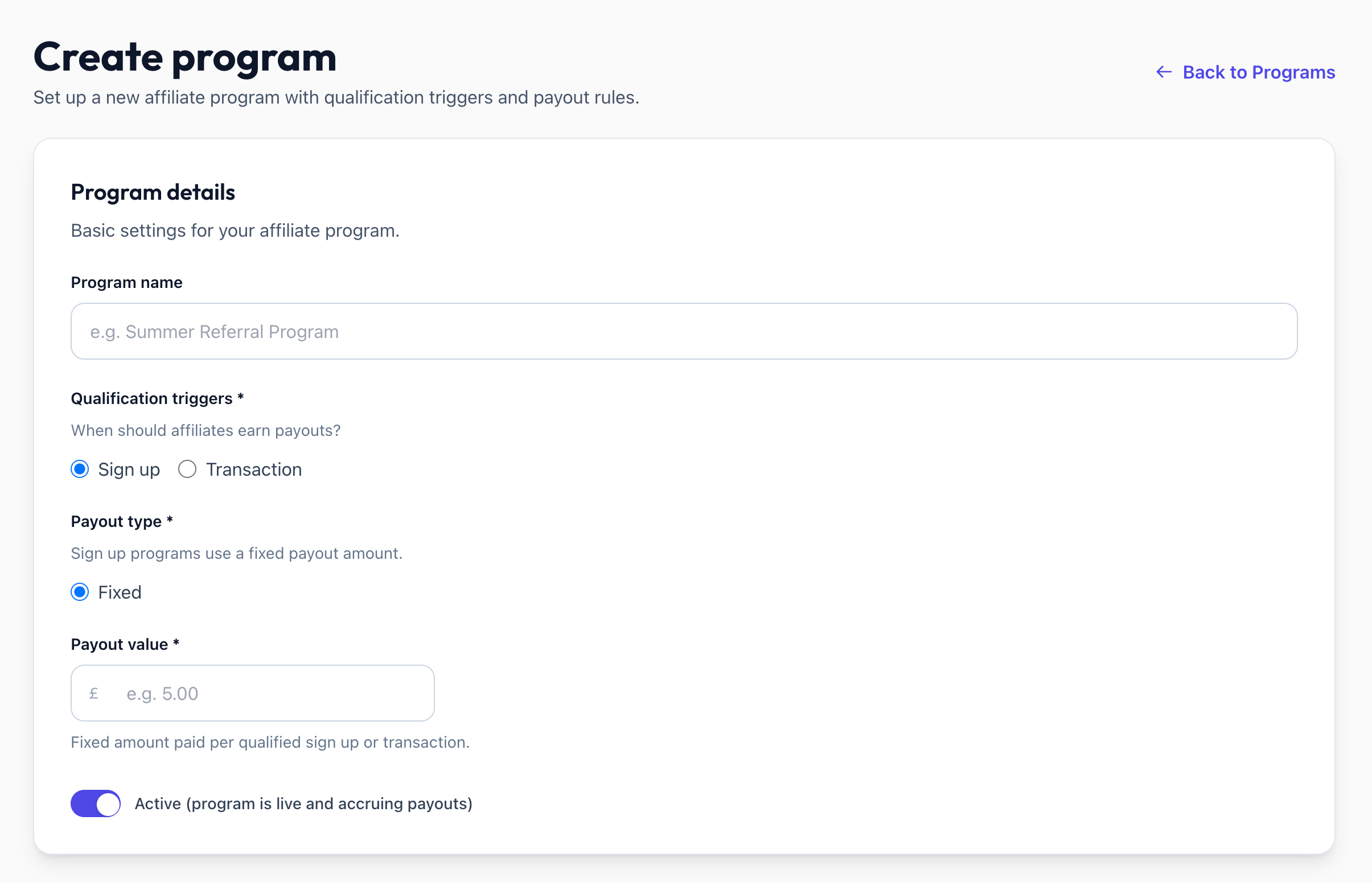
Navigate to Program Creation
Open Admin > Programs.
Click Create Program.
Required Fields
URL Slug
A slug is auto-generated, used in the public signup URL: /apply/{workspaceSlug}/{programSlug}
Program Statuses
Draft — Not yet live
Active — Accepting affiliates and generating payouts
Inactive — Paused
Activating a Program
Requires: a paid plan with program activation + Sharetribe connected.
Plan Limits
Was this helpful?
Still need help? Share an idea