Workspace and Marketplace Settings
Configure your workspace identity and marketplace connection settings.
Written By Toppal Support
Last updated 5 months ago
Workspace and Marketplace Settings
Navigate to Admin > Settings to access configuration.
Workspace Information
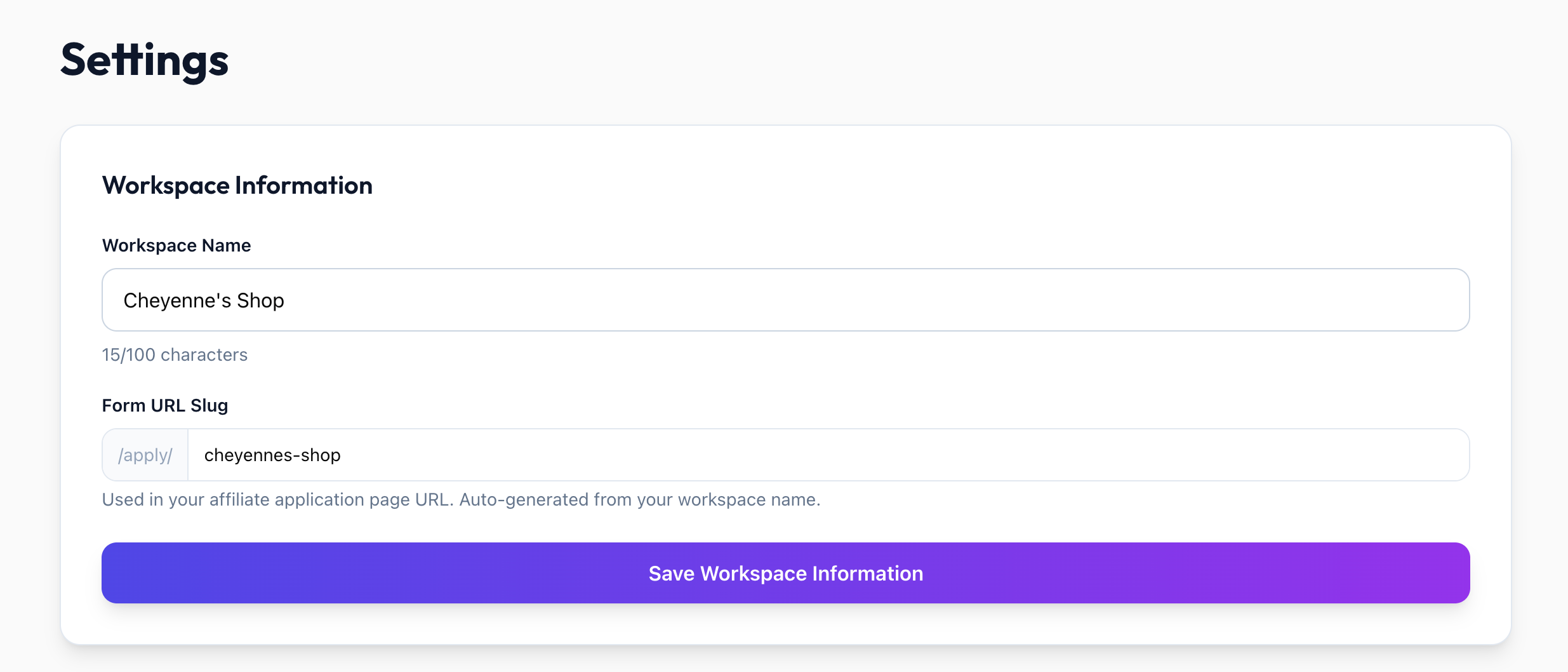
Workspace Name: Your organization name, displayed throughout the admin panel and available as {workspaceName} template variable
Workspace Slug: Used in public URLs like /apply/{slug}/...
Owner Name: The workspace owner's name
Heads up: Your slug is part of your signup page links. If you change it after sharing or embedding those links, the old ones will stop working until you share the updated link. You can change it freely before you have shared any links.
Marketplace Settings
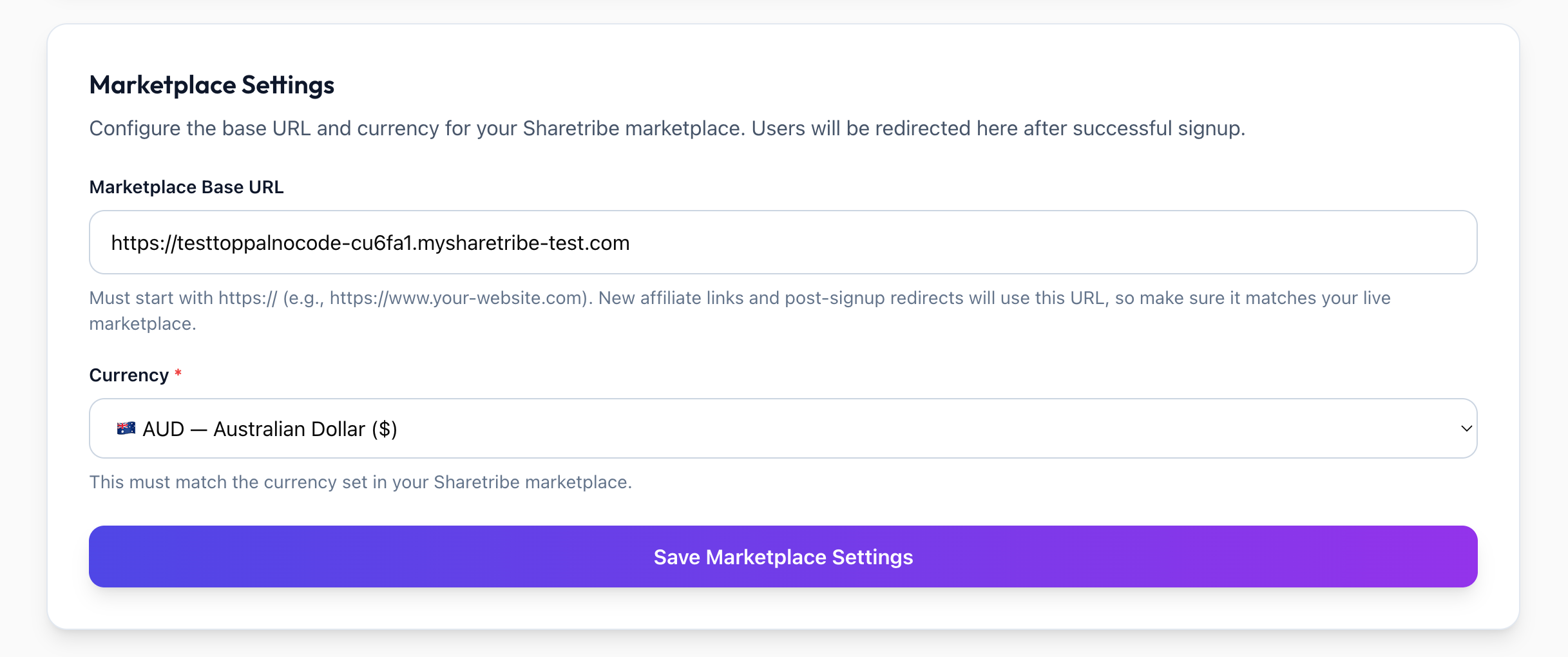
Marketplace Base URL
Your Sharetribe marketplace URL (e.g. https://yourmarketplace.com). Used to generate referral links: https://{baseURL}/signup?referrerID={code}
Must be set correctly before referral links will work.
Marketplace Currency
The currency for payout calculations, reporting, and display (e.g. GBP, USD, EUR). Should match your Sharetribe marketplace currency.
Affects how all monetary values are displayed and calculated across the platform.
Heads up: Changing your currency only swaps the currency symbol shown — it does not convert any amounts. For example, an existing £100 payout would simply display as $100. Only change this if your marketplace's actual currency has changed.
Important Notes
Changing currency after payouts are recorded may cause reporting inconsistencies
Was this helpful?
Still need help? Share an idea