Rejecting Payouts
When and how to reject payouts, available reasons, and what happens after.
Written By Toppal Support
Last updated 5 months ago
Rejecting Payouts
Reject a payout when it should not be paid out.
How to Reject
Navigate to Admin > Payouts > Ready tab
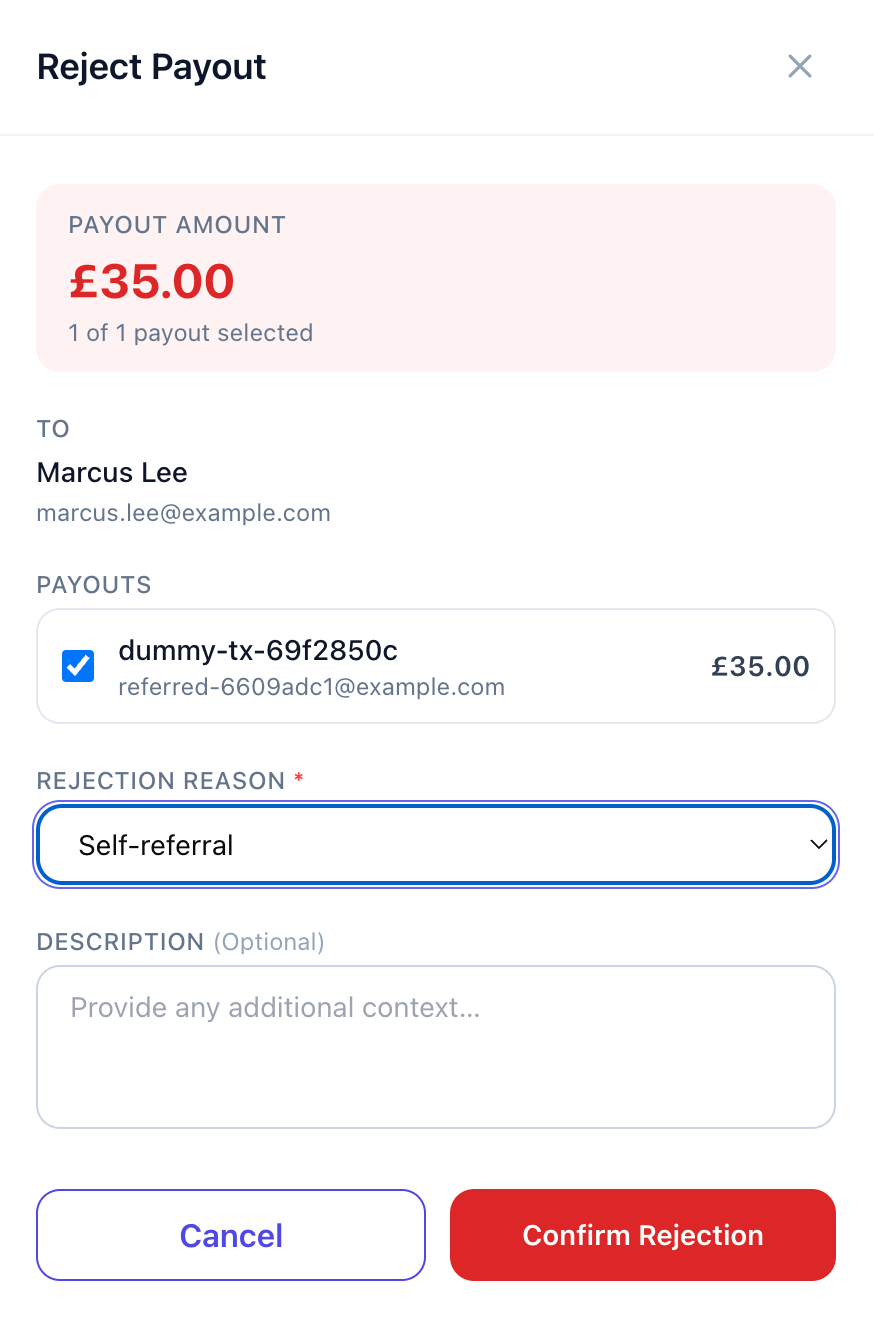
Click the actions menu and select Reject
Choose a reason:
Fraud — Fraudulent referral
Self-referral — Affiliate referred themselves
Refund — Transaction was refunded
Error — Generated in error
Duplicate — Duplicate payout
Other — Any other reason
Optionally add a description
Confirm
What Happens After Rejection
Permanently marked as Rejected (cannot be undone)
Recorded with: date, reason, description, and admin who rejected
Appears in the Rejected tab
If the payout should have been paid, a new qualifying event is needed
The affiliate is not notified if their payout has been rejected
Viewing Rejected Payouts
Navigate to Admin > Payouts > Rejected tab. Click View for full details.
Was this helpful?
Still need help? Share an idea