Deactivating and Reactivating Affiliates
How to deactivate and reactivate affiliates and what it means for payouts.
Written By Toppal Support
Last updated 5 months ago
Deactivating and Reactivating Affiliates
Deactivation pauses an affiliate's earning ability without deleting data.
How to Deactivate
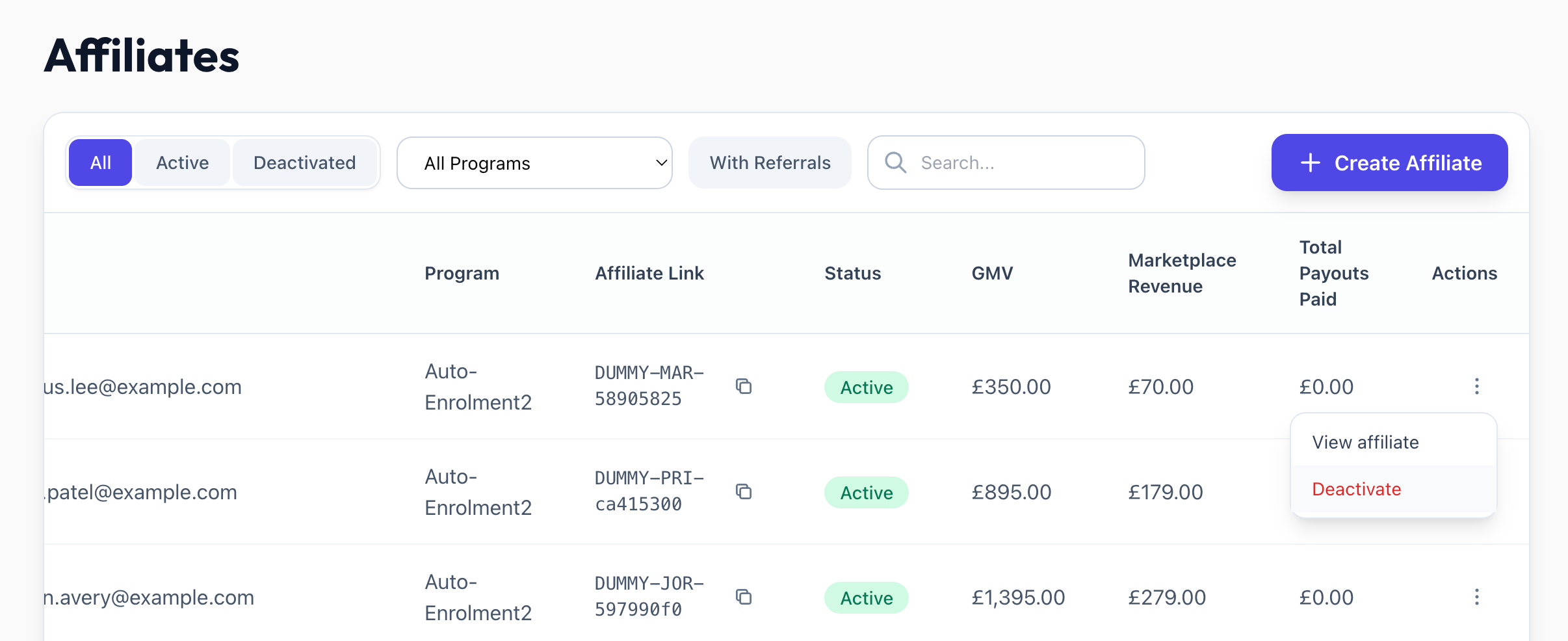
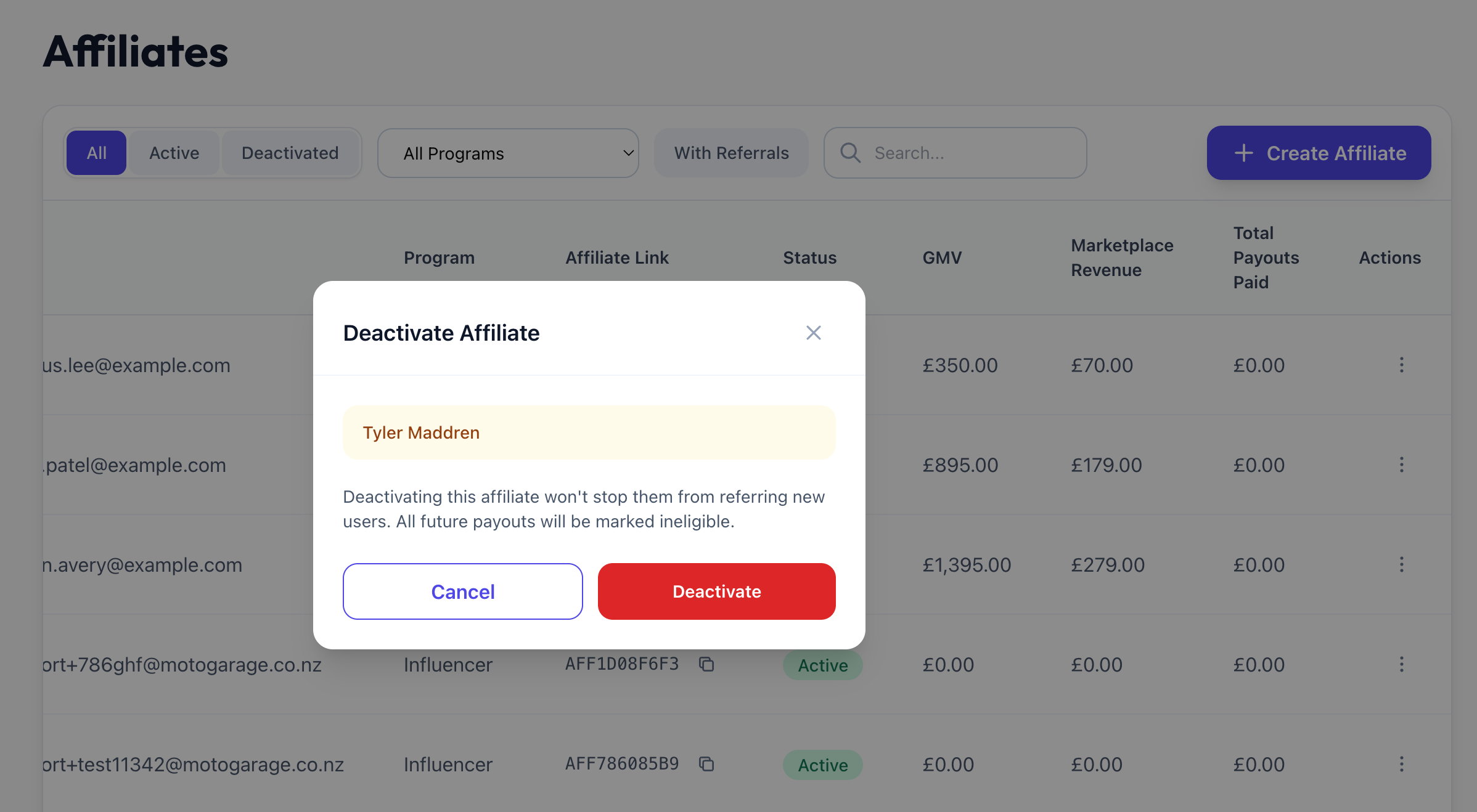
From the affiliates list or detail page, open the actions menu and select Deactivate. A confirmation modal appears.
What Deactivation Does
Future payouts are marked ineligible
A deactivatedAt timestamp is recorded
What Deactivation Does NOT Do
Referral links still work — users can still sign up via the link
Existing referral data is preserved
Already-paid payouts are unaffected
Ready payouts remain payable
How to Reactivate
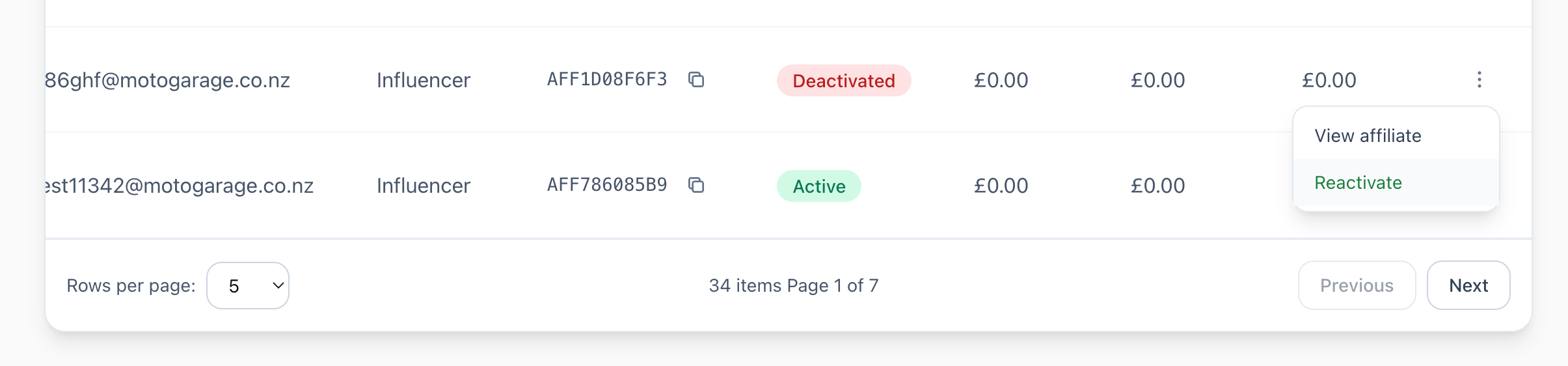
From the detail page or list actions, select Reactivate. The affiliate returns to Active status and future events generate eligible payouts again.
When to Deactivate
Low performance
Suspicious activity
Temporary pause
Program wind-down
Was this helpful?
Still need help? Share an idea